To isolate interview dialogue from background chatter, keep your subject by their voice instead of by what counts as speech. Dialogue isolation in Premiere and DaVinci Resolve keeps every voice, the people walking past included. Crele’s speaker isolation learns your subject from a few seconds of them talking alone, keeps only them, and hands back a voice track to lay under the picture.
Why does dialogue isolation keep the people walking past?
Dialogue isolation separates speech from noise, and a passer-by talking is speech. Premiere’s Enhance Speech, DaVinci Resolve’s Voice Isolation and the dialogue modules in audio-repair plugins take out traffic, wind and the street’s hum, and keep every voice in the take. That is why the advice on location audio forums is that crowd chatter cannot be fixed in post.
It can, with a tool that knows which person to keep. Speaker isolation is told who the subject is, by their voice, and drops everyone else.
How do you keep only the person you’re interviewing?
Crele’s speaker isolation, running Crele Focus 1.1 in the Crele app, learns your subject from three to ten seconds of them talking alone and keeps only them. Crele Focus 1.1 is the first Crele model built on an audio world model, an approach that learns the sound of the whole place a recording was made in. It takes the camera file or your recorder’s track, in the browser.
1Add the interview to speaker isolation
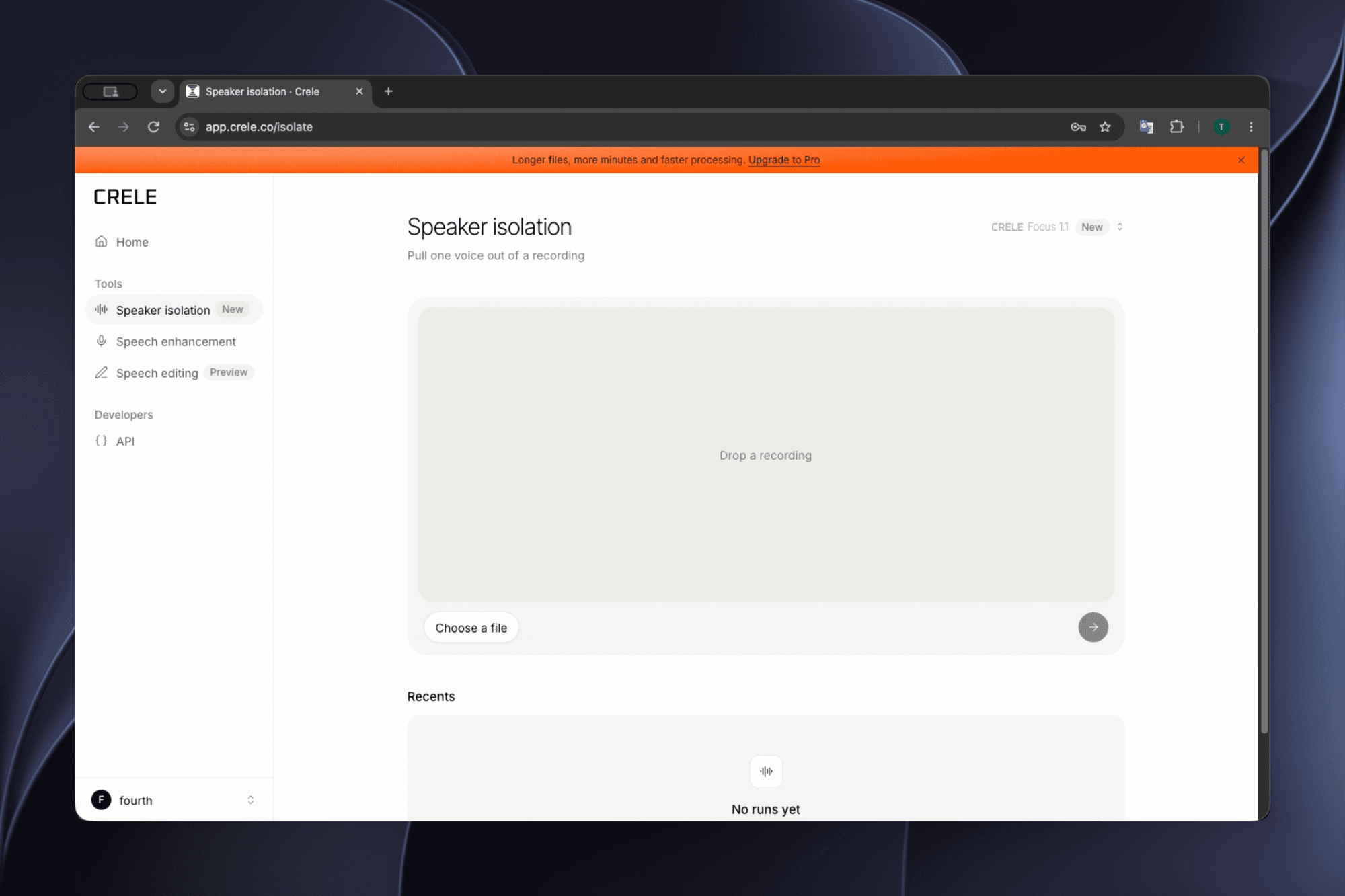
In the Crele app, open Speaker isolation and drop in the camera file or the audio you recorded on the day: MP4, MOV, WAV and the other common formats all work. A free account takes files up to 15 minutes, Pro up to 60.
2Mark three to ten seconds of your subject alone
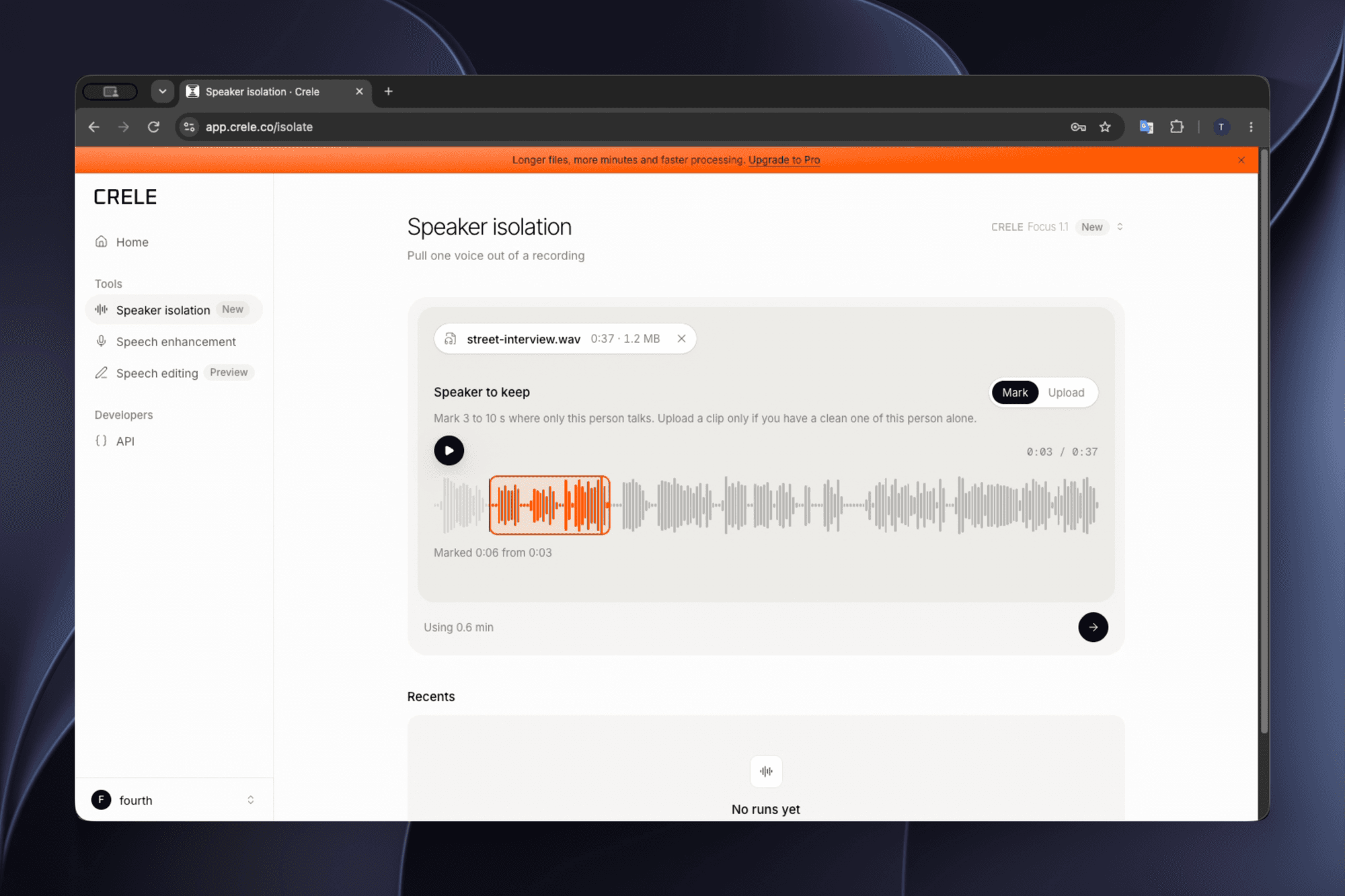
Under Speaker to keep, mark three to ten seconds where only your subject is talking, between passers-by. Clean beats long: a sample with another voice in it teaches the tool both. If the subject is never alone, upload a clean line of theirs from another take.
3Run the whole interview
Press the arrow and let it run on the full file, not a clip of it, so the voice lines up with the whole take. A long interview takes a few minutes; you can close the tab and pick it up under Recents.
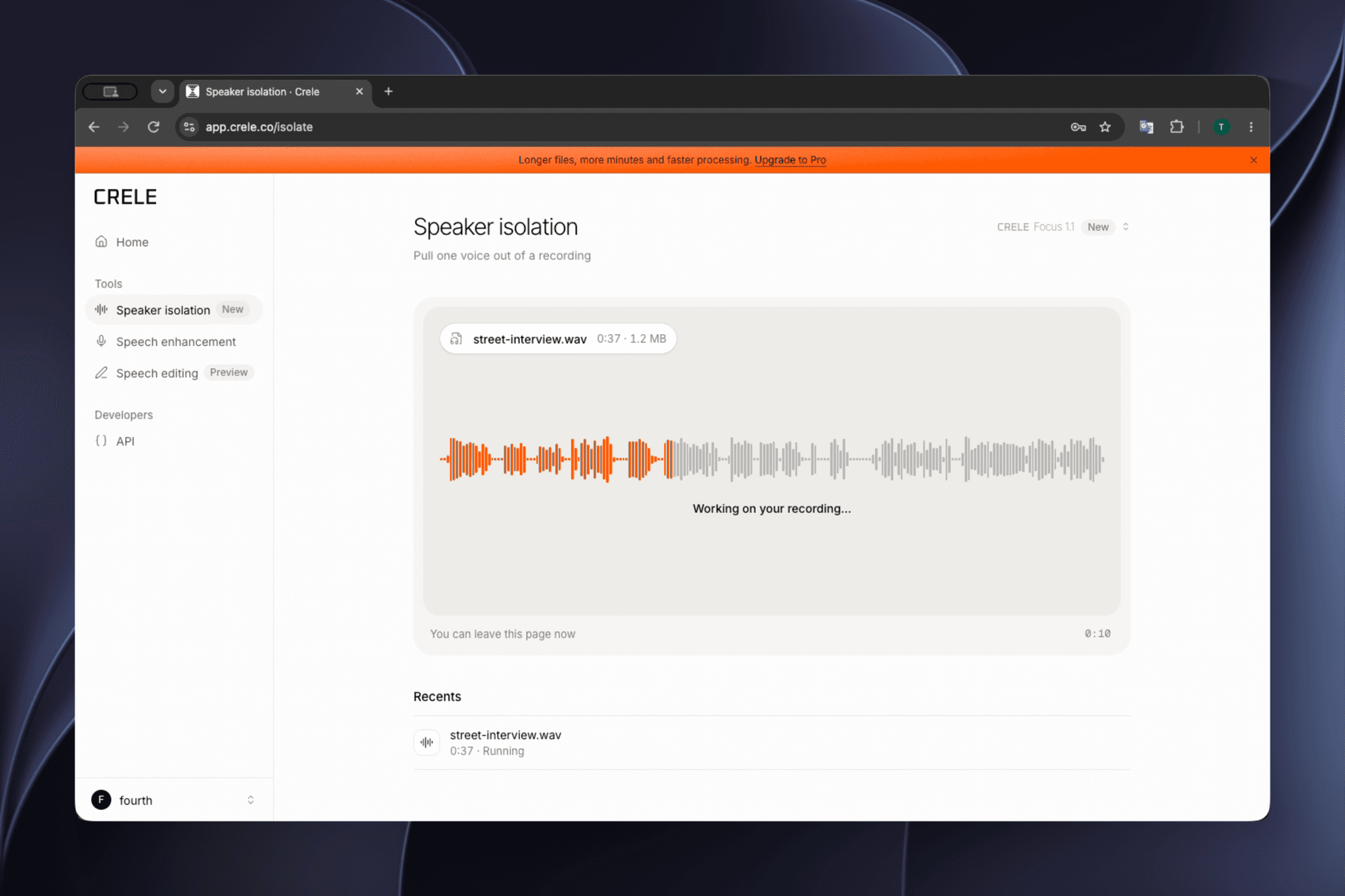
4Check it, then download your subject's voice
The result shows the original recording and the isolated voice. Switch between Original and Isolated while it plays, then press Download for your subject's voice as one audio file. For the interviewer's questions, run the file again and mark the interviewer.
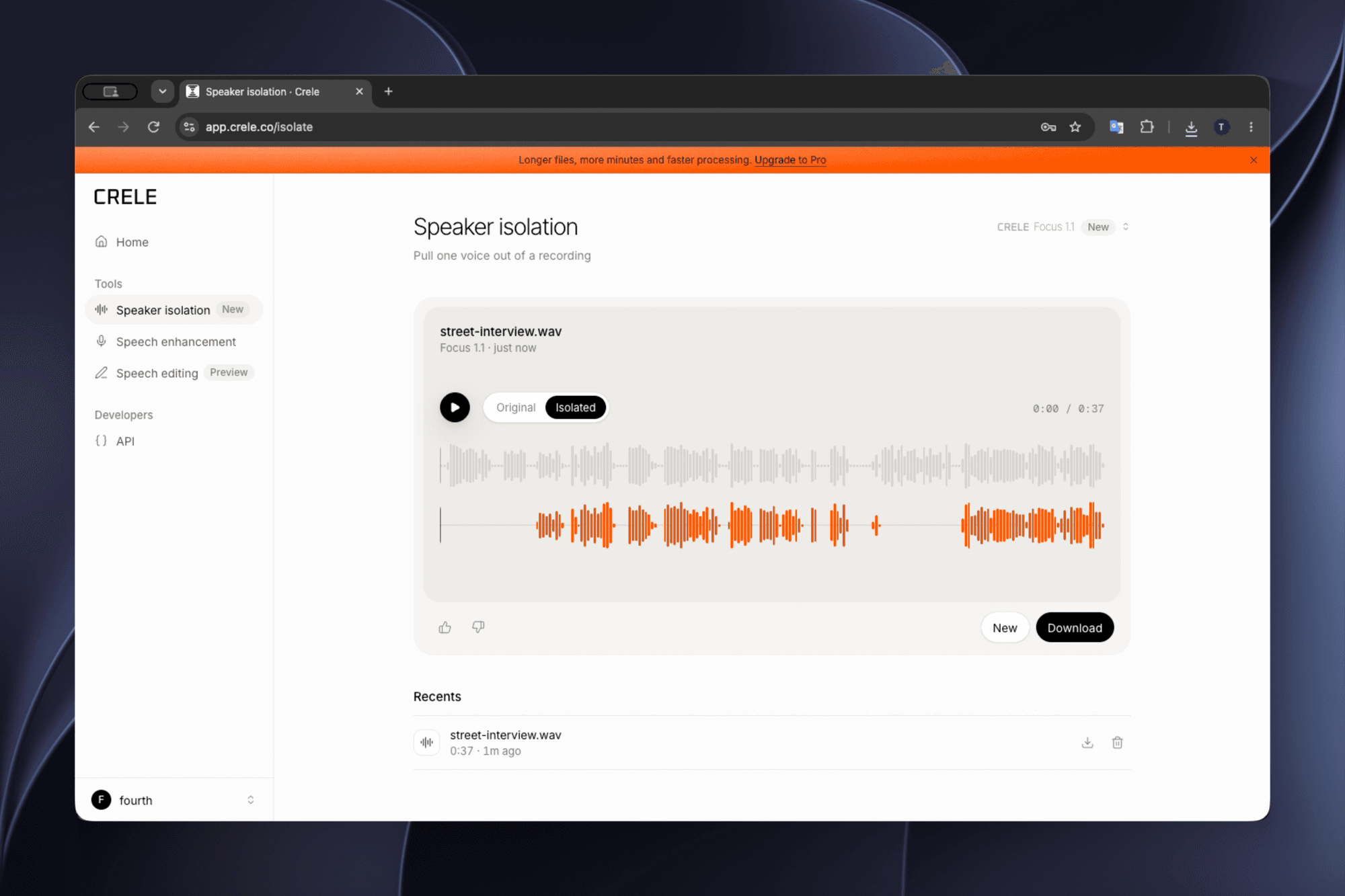
5Lay the voice under the picture
In Premiere, DaVinci Resolve or any editor, put the downloaded voice on a new audio track starting at the clip's first frame, then mute or delete the camera audio. It runs as long as the file, so it stays in sync.
What about the interviewer’s questions?
Run the interview through Crele’s speaker isolation a second time and mark the interviewer. Each run keeps one voice, so a two-person interview takes two runs and comes back as two clean tracks, one for the questions and one for the answers, to cut between on the timeline.
Is the isolated voice good enough to deliver?
Yes: the voice Crele Focus 1.1 keeps is clean enough to cut with, and one more step makes it ready for a final mix. Isolation rebuilds the voice instead of cutting it out and returns it at 16 kHz, made for a clear voice rather than a mix. For delivery, run that track through speech enhancement with Crele Remaster 1, which removes the remaining room and returns the voice at 44.1 kHz. Listen against the original before you lock the cut.
When won’t this work?
- A passer-by talks right over your subject’s line. Where Crele Focus 1.1 cannot tell the two apart, that stretch comes back silent rather than carrying the other person’s words.
- Your subject is never alone in the take. Upload a clean line of theirs from another take or another day, and mark that instead.
- Two voices that sound alike. Give it the longest clean sample you have. Similar voices are the hardest case.
- Words lost to clipping or distortion. Crele Focus 1.1 rebuilds the voice instead of cutting it out, so a lightly clipped or distorted take can come back cleaner than it went in. Where the damage swallows whole words, there is too little of them left to rebuild.
Questions
- Does voice isolation block out background voices?
- Not other people's. The voice isolation in Premiere and DaVinci Resolve separates speech from noise, and a passer-by talking is speech, so it stays. Keeping one person takes a tool that learns that person's voice, like Crele's speaker isolation.
- Can I keep both the interviewer and the subject?
- Yes, one at a time. Run the file once marking the subject and once marking the interviewer, then put both voices on their own tracks under the clip.
- Which file should I upload?
- The one with the best sound of your subject: a lavalier or recorder track if you had one, otherwise the camera file. The app reads the sound out of a video, so there is no need to export the audio first.
- Can it rescue clipped or distorted audio?
- It can, when the damage is light. Crele Focus 1.1 rebuilds the voice it keeps instead of cutting it out of the recording, so a lightly clipped or distorted take can come back cleaner than it went in. Where the damage swallows whole words, there is too little of them left to rebuild.
- Is it good enough for broadcast or a documentary?
- Isolation returns speech at 16 kHz, made for a clear voice rather than a final mix. For delivery, run the isolated voice through speech enhancement with Crele Remaster 1, which returns it at 44.1 kHz, and listen against the original before you lock the cut.
- Is it free?
- Yes. A free Crele account includes 300 minutes of speaker isolation a month, with files up to 15 minutes. Pro takes files up to 60 minutes.
Keep your subject, drop the street
Make a free Crele account and run your interview through speaker isolation.
Related: how to remove people talking in the background of a video · how to separate two voices in an audio file · how to make one voice clear when other people are talking