To remove people talking in the background of a video, keep only your voice with speaker isolation, then put that voice back under the clip. Crele’s speaker isolation learns your voice from three seconds of you talking alone and removes everyone else, along with the street and the room. CapCut and your phone’s noise tools can’t do this, because the people behind you are speech too.
Why don’t CapCut and your phone remove the people behind you?
CapCut and the noise tools on your phone remove noise, and a person talking is not noise. CapCut’s Isolate voice and Reduce noise separate voice from music and street sound, so every voice in the clip stays. Samsung’s Audio Eraser puts all the voices around you on one Voices slider, and Google’s Audio Magic Eraser treats speech as one category: turn it down and your voice goes with it.
iPhone’s Audio Mix comes closest. Its In-Frame setting lowers voices from people who are off camera, but only on videos shot with Spatial Audio on an iPhone 16 or later, and never someone standing in the frame with you. If your clip is one of those and the other voice was behind the camera, try In-Frame in Photos first. For every other clip, you need a tool that knows whose voice to keep.
How do you remove people talking in the background of a video?
Crele’s speaker isolation, running Crele Focus 1.1 in the Crele app, keeps one voice and removes everyone else. It runs in the browser on a phone or a computer, with nothing to install, and a free account is enough. To try it first, the free Isolate a Speaker tool runs the first 45 seconds of a video with no account.
1Add the video to speaker isolation
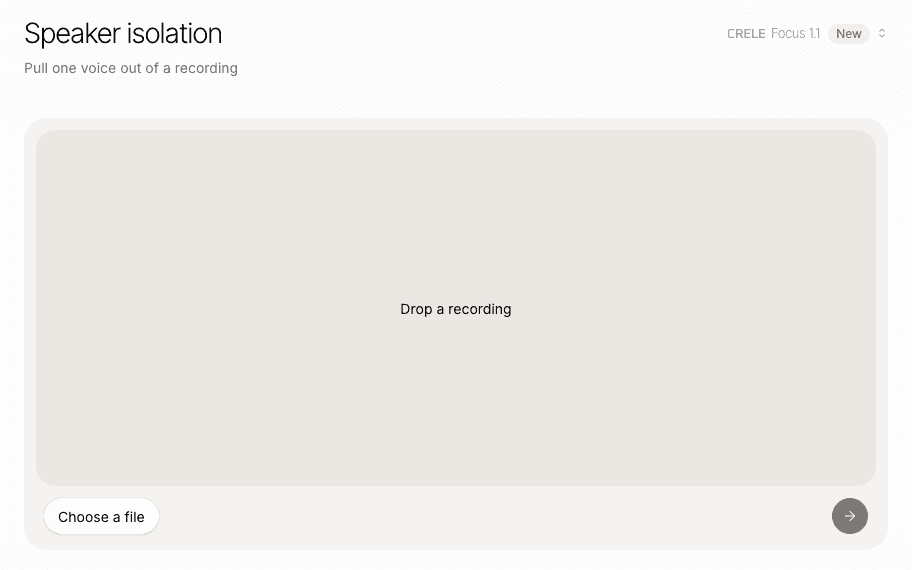
In the Crele app, open Speaker isolation and drop the video in, or press Choose a file. On a phone that opens your camera roll, and MP4 and MOV both work. A free account runs files up to 15 minutes on Crele Focus 1.1.
2Mark three to ten seconds of you talking alone
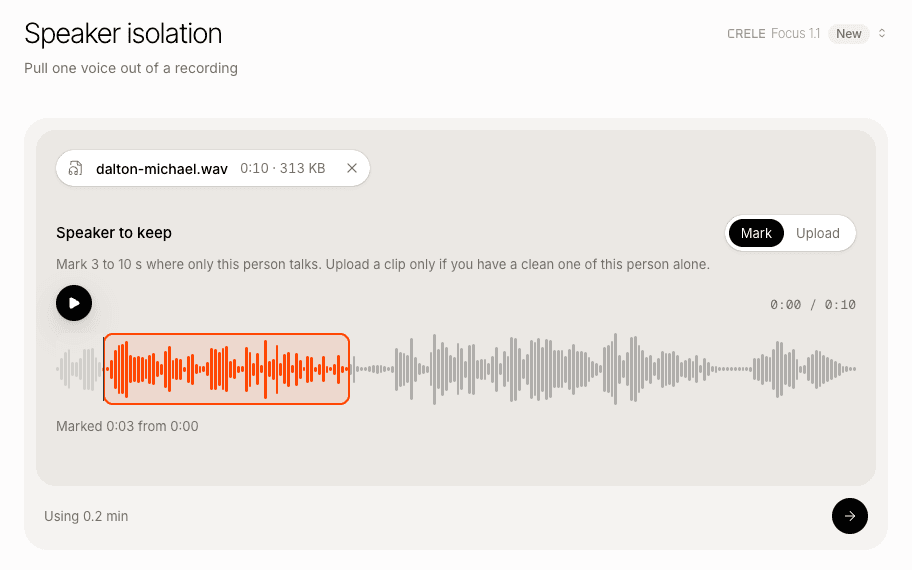
Under Speaker to keep, mark three to ten seconds where only you are talking. Clean beats long: if someone else is talking inside your sample, the tool keeps them too. If you are never alone in the clip, switch to Upload and add a short voice memo of yourself.
3Run it
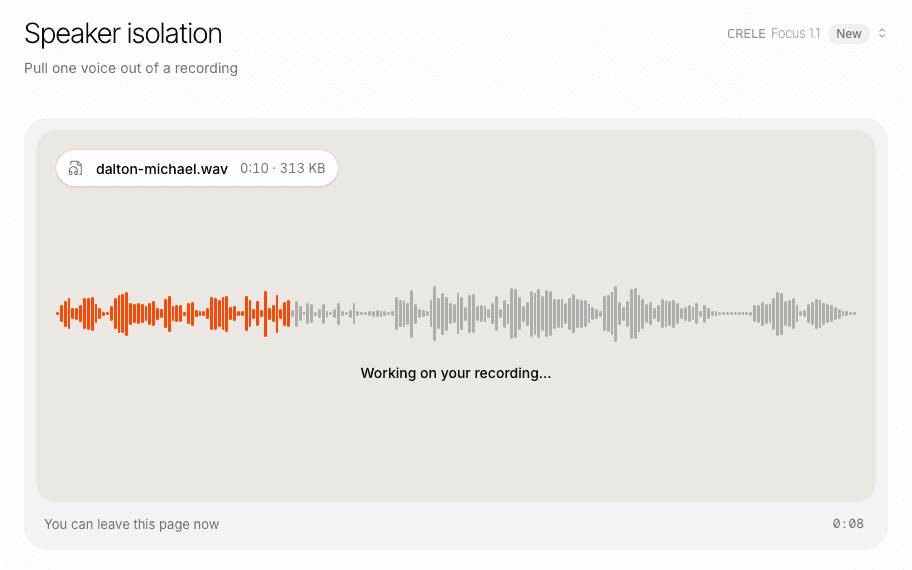
Press the arrow. The run takes about as long as the clip, and you can leave the page while it works: it waits for you under Recents.
4Listen, then download your voice
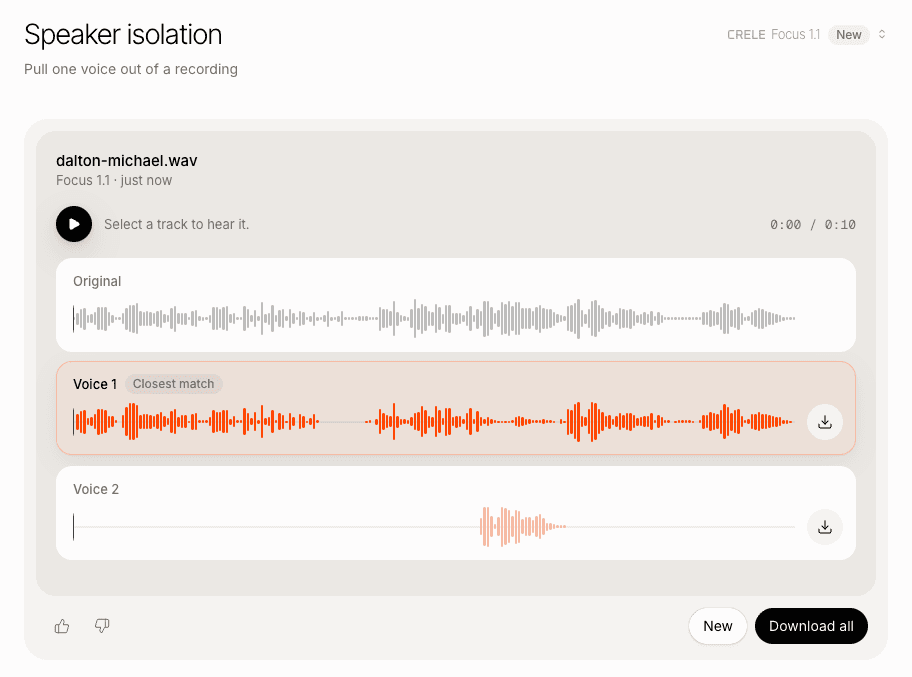
The result shows the original and Voice 1, marked Closest match: the person you marked. Select it to hear it, then press its download button for one audio file of your voice. On a short clip it can also list the other voice as Voice 2.
5Put your voice back under the video
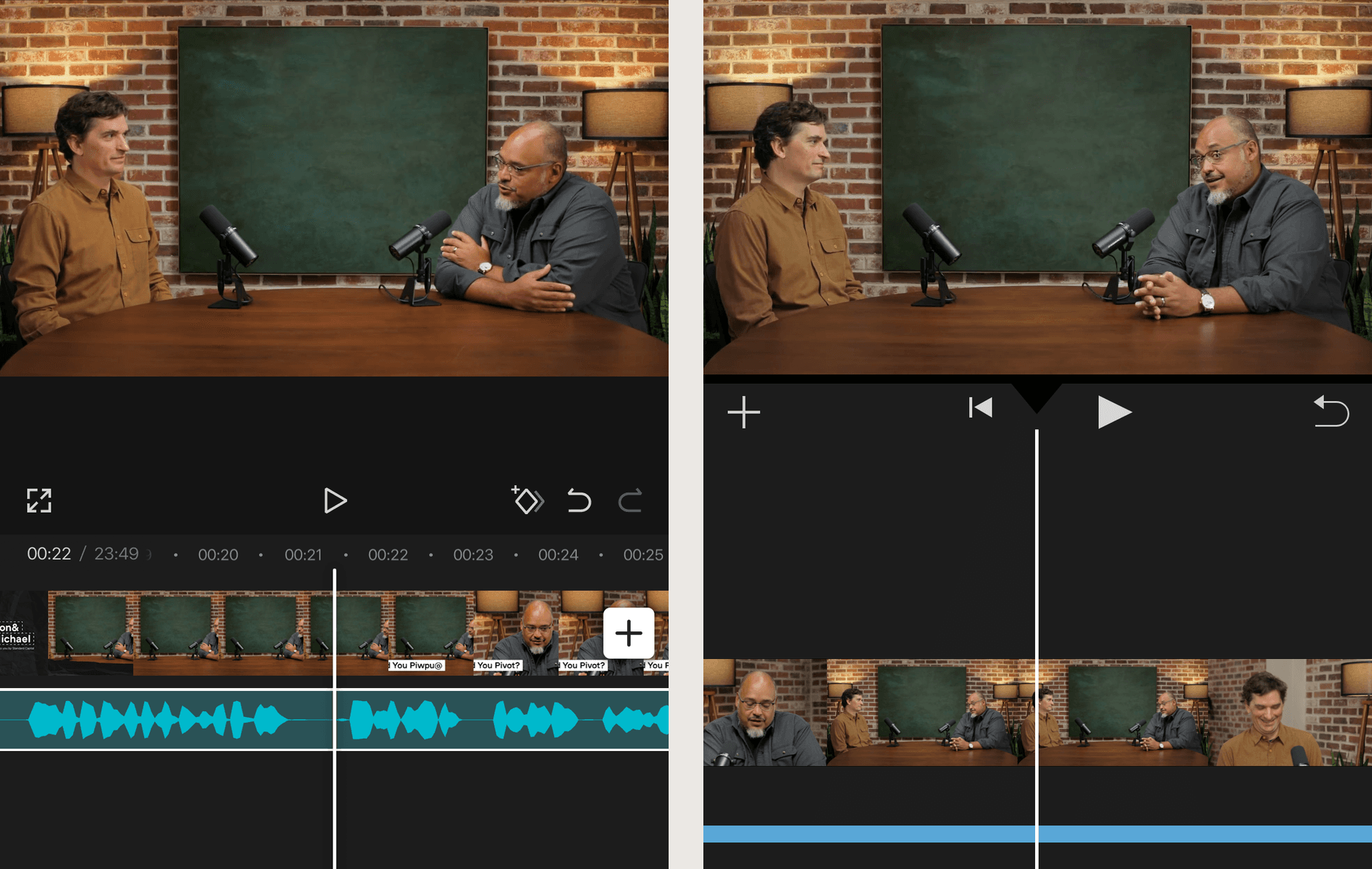
In CapCut or iMovie, mute the clip's original sound, add the audio file you downloaded, and start it on the clip's first frame. It runs as long as the video, so your voice stays in sync with the picture.
How do you put the clean voice back in CapCut or iMovie?
Mute the clip’s own sound, add the voice you downloaded, and start it on the first frame. The voice runs as long as the video, so the two line up from the start.
- CapCut. Select the video clip, tap Volume and turn it down to 0. Add the downloaded file as audio from your phone’s files, and drag it to the start of the clip.
- iMovie on iPhone. Tap the clip, open its volume and mute it. Move the playhead to the start, tap the plus button, and add the downloaded file from Files.
If you also want music, add it as its own track: isolation keeps only the voice.
Will the voice sound good enough to post?
A voice kept by Crele Focus 1.1 is rebuilt rather than cut out of the recording, so it comes back clearer than the take, tuned for speech and a little narrower than the original. To make it sound like a close microphone in a quiet room, run it through Crele Remaster 1, which takes out the noise and the room and keeps the words as they were said. The two steps together are in how to make one voice clear when other people are talking.
Can you keep two people and remove everyone else?
Yes: run the video through Crele’s speaker isolation once for each person you want to keep, marking that person each time, then put both voices under the clip. If you edit in Premiere Pro and two people talk over each other the whole time, its Separate Overlapping Speakers feature puts each of them on their own track.
When won’t this work?
- Someone talks over you most of the time. Where Crele Focus 1.1 cannot tell your voice from theirs, that stretch comes back silent rather than carrying their words.
- You are never alone in the clip. Switch to Upload and add a short voice memo of yourself from another time.
- A voice that sounds like yours. Give it the longest clean sample you have, up to ten seconds. Two similar voices are the hardest case.
- You are far from the phone. There is little of your voice to rebuild. Crele Remaster 1 helps, and a voice that is barely there is past what today’s models can recover.
Questions
- Can CapCut remove people talking in the background?
- Not on its own. CapCut's Isolate voice and Reduce noise separate voice from music and street noise, and the people behind you are voice too, so they stay. Keep your voice with speaker isolation first, then bring that audio back into CapCut.
- Does it work on videos from an Android phone or an older iPhone?
- Yes. Any MP4 or MOV works, from any phone or camera, including a video someone sent you. It needs the sound, not a particular phone.
- Does it remove music and noise too?
- Yes. Isolation keeps only the voice you marked, so music, traffic and the room go along with the other people. If you want music in the video, add it back as its own track in your editor.
- Can I keep two people and remove everyone else?
- Yes, one person at a time. Run the video once for each person you want to keep, marking that person each time, then put both voices under the clip in your editor.
- Will it change my voice?
- Your words and your voice stay yours. Crele Focus 1.1 rebuilds the voice it keeps instead of cutting it out of the recording, so it comes back clearer than the take, tuned for speech and a little narrower than the original. For the sound of a close microphone in a quiet room, run it through Crele Remaster 1 next.
- Is it free?
- Yes. A free account runs videos up to 15 minutes and includes 300 minutes of isolation a month. To try it before you make one, the Isolate a Speaker tool on this site runs the first 45 seconds of a video in your browser.
Keep your voice, drop the people behind you
Make a free Crele account to run the whole video and download your voice.
Related: how to remove one person’s voice from a video · how to make one voice clear when other people are talking · how to separate two voices in an audio file